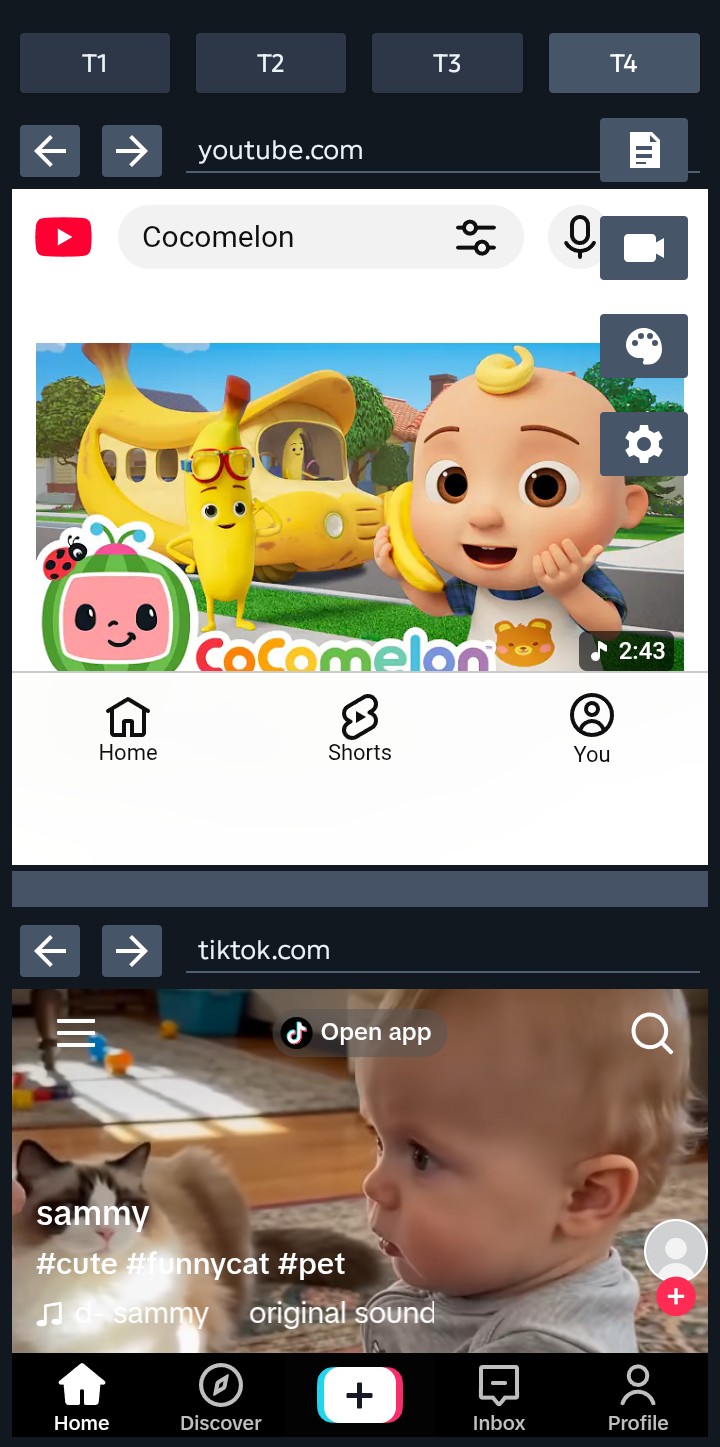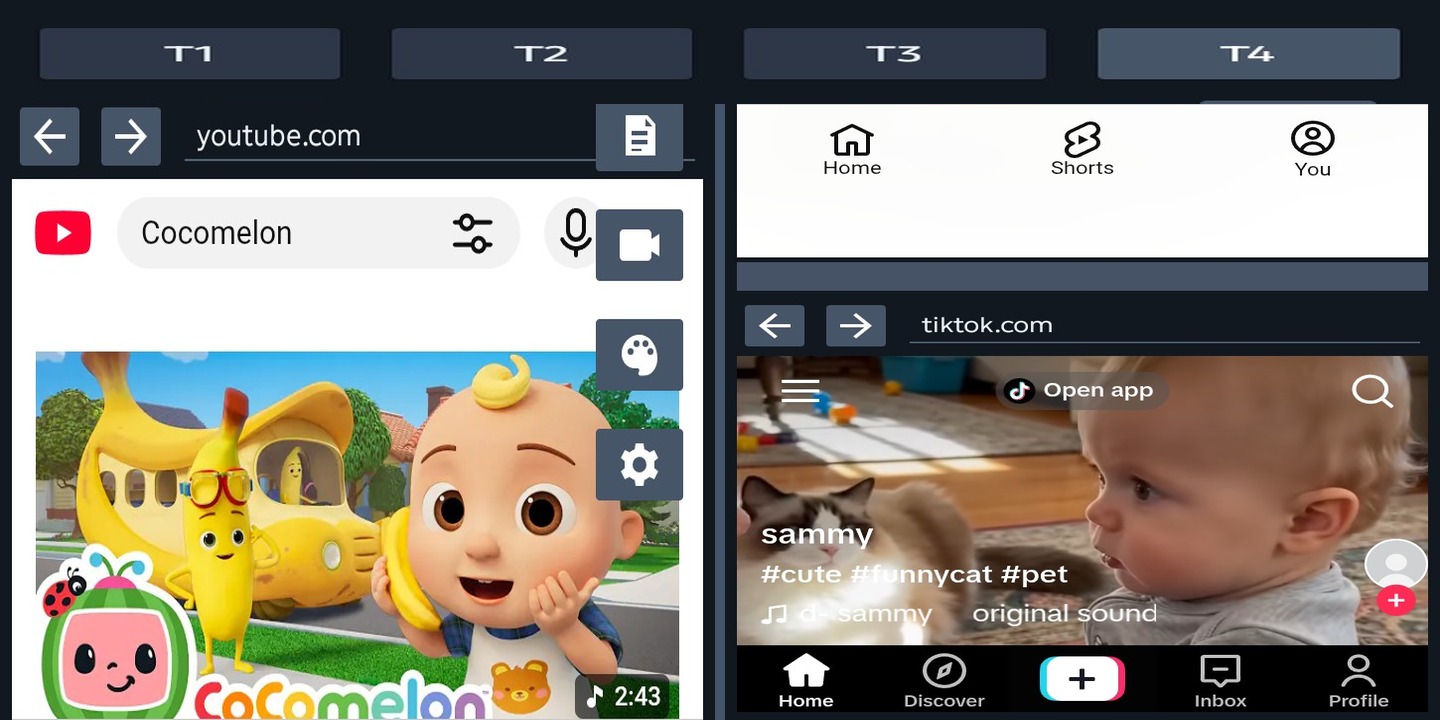
Run two pages at once in portrait or landscape.
N/B
The layouts shown below are examples. Each tab can be used for work, social,
study, notes, video, or any mix that fits your workflow.
Switch between tab setups without rebuilding your flow.
Use quick notes, video shortcuts, themes, and split controls.
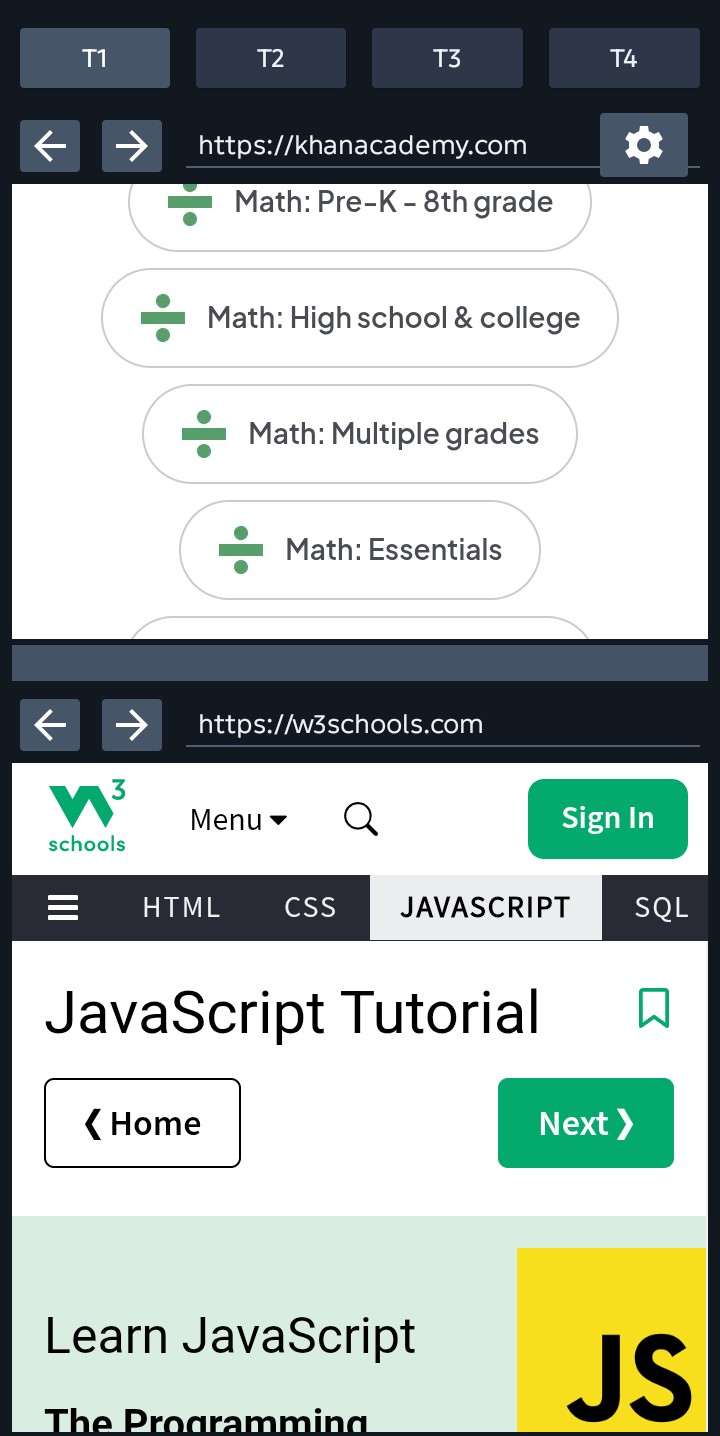
Study Mode
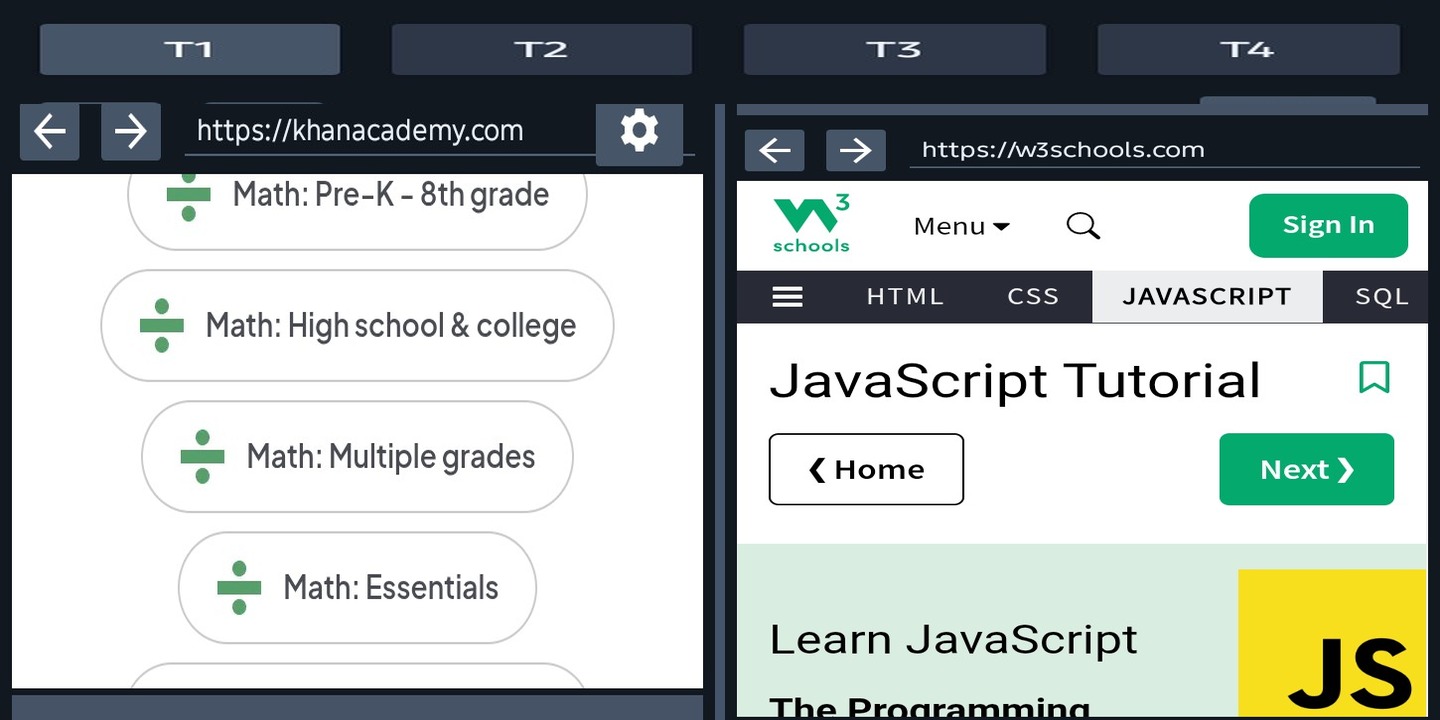
Tab1
Tab1 helps you learn faster by keeping a lesson on one side while you take notes or research on the other. Everything stays visible at the same time, so you stay focused.
Portrait = top/bottom · Landscape = left/right
Social + Productivity
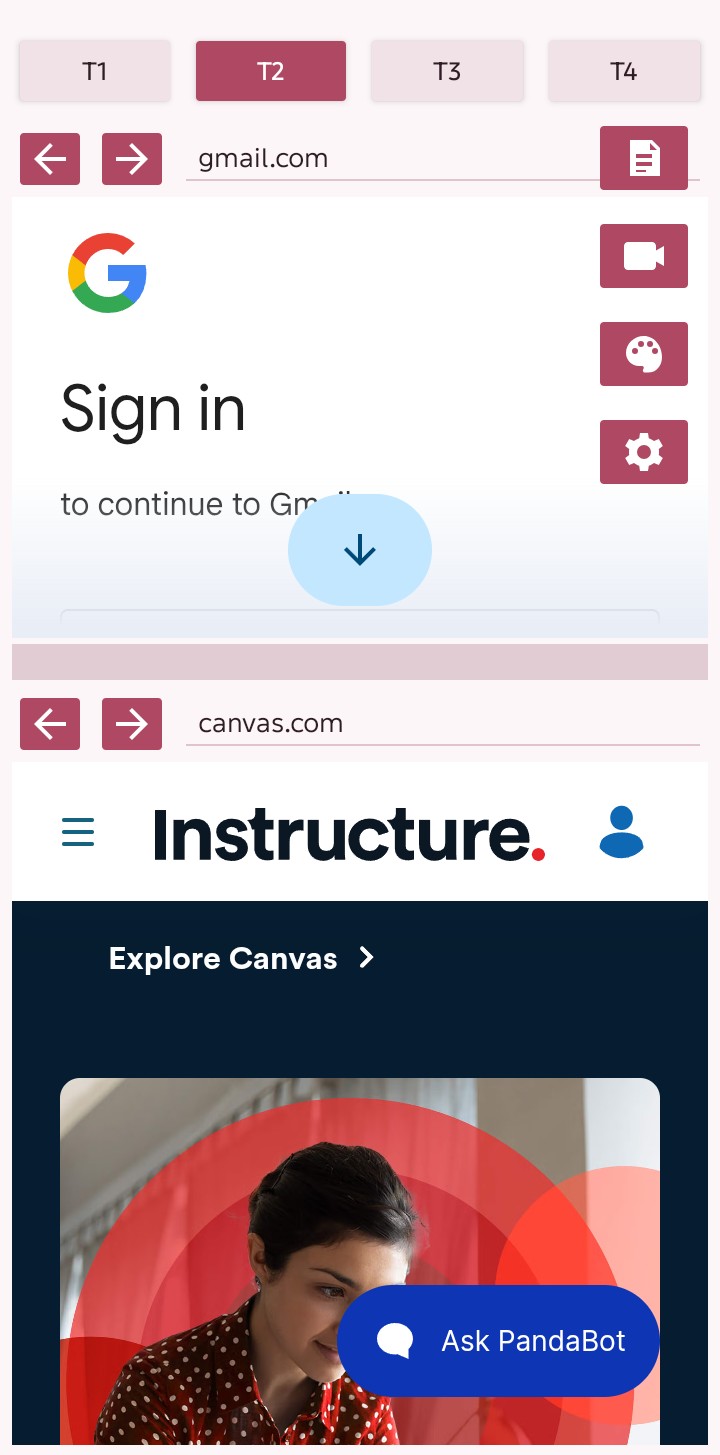
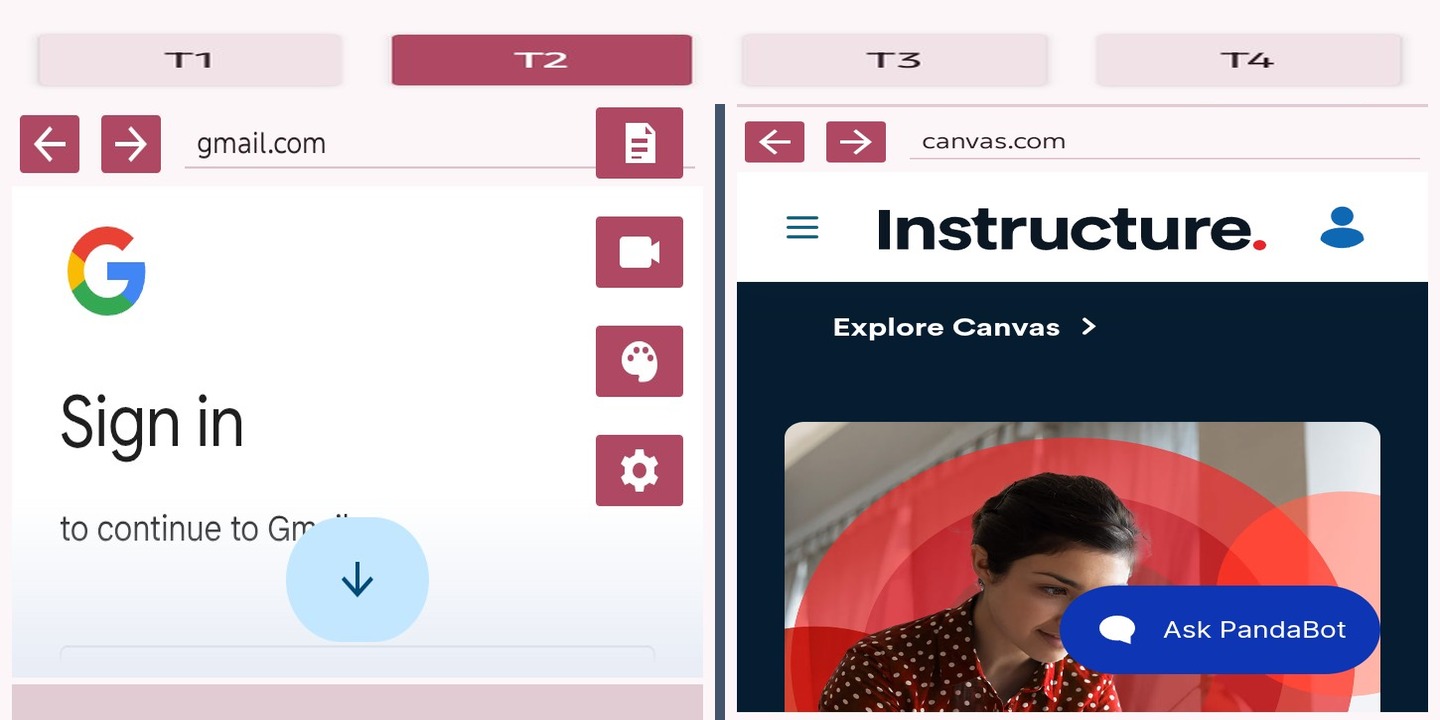
Tab2
Tab2 is for multitasking: social on one side, tools on the other. Chat, post, design, or collaborate without switching apps.
Portrait = top/bottom · Landscape = left/right
Work Mode
Tab3
Tab3 is built for work. Keep documents and email side-by-side to respond, review, and organize faster.
Portrait = top/bottom · Landscape = left/right


Notes + Media
Tab4
Tab4 shows the personal toolkit side of Split: keep a video, reference page, or web app open while your notes stay ready in the second pane.
Portrait = top/bottom · Landscape = left/right